How to choose a CRM: a simple guide with Salesforce, HubSpot and GoHighLevel compared
What a CRM actually does, explained simply, plus a five-step way to choose one and an honest comparison of Salesforce, HubSpot, GoHighLevel, Zoho CRM and Pipedrive.

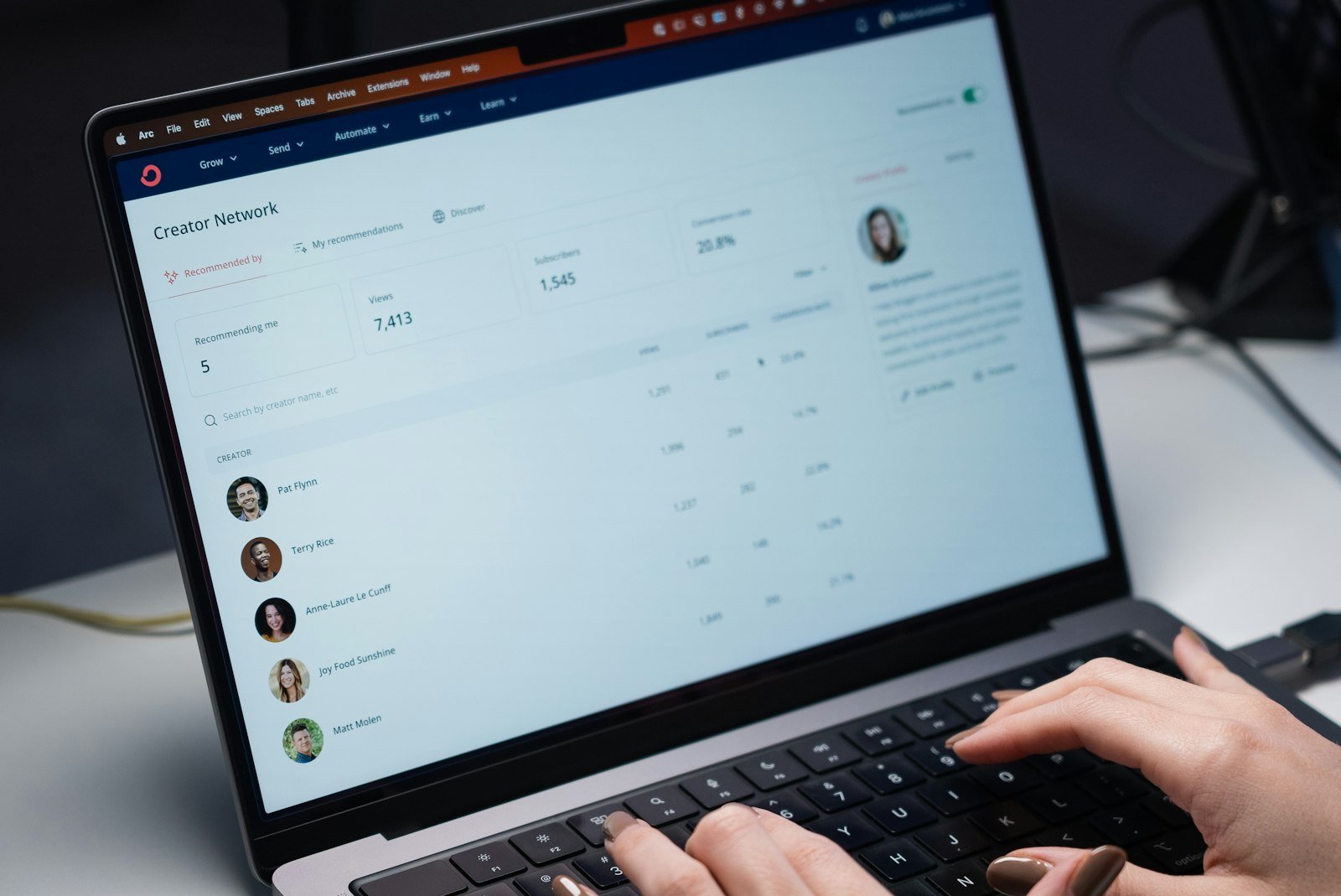
A CRM is one place that keeps every customer, conversation and deal, so nothing falls through the cracks. To choose one, write down the five jobs it must do, count who will use it and what you can spend, shortlist three, and test them for two weeks with your real leads. Salesforce is the biggest and most customisable. HubSpot is the easiest to start with for free. GoHighLevel puts texting, booking, funnels and automations in one flat price. Zoho CRM is the budget pick, and Pipedrive is the simplest pipeline for small sales teams.
- A CRM replaces sticky notes, spreadsheets and memory with one record per customer that your whole team can see.
- Salesforce has been named the number one CRM provider by IDC for 12 years running, with 20.7% of the market in 2024.
- Choose by the jobs you need done, not by the longest feature list. Most teams use a small part of what they pay for.
- Always trial with real leads and real teammates. If people won’t use it in the first two weeks, they won’t use it later.
Key terms explained (12)
- CRM
- Customer relationship management software: one place that stores your contacts, conversations, appointments and deals. GoHighLevel and HubSpot are examples.
- Segment
- A group of contacts who share a behaviour or trait, so they can get messages that fit them.
- Workflow and trigger
- In a CRM, a workflow is an automated series of steps; the trigger is the event that starts it, such as a missed call or a form submission.
- Pipeline
- The stages a deal moves through in your CRM, from new lead to won or lost.
- Sends
- On Instagram, the number of times people shared your post with someone by direct message.
- Seat (per-user pricing)
- A seat is one person with a login. Per-seat pricing means you pay the monthly price once for every user, so five users cost five times the listed price.
- Sub-account
- A separate workspace inside one CRM account, with its own contacts and settings. Agencies often use one per client.
- White label
- Selling or showing software under your own brand name and logo instead of the maker’s.
- Integration
- A ready-made connection between two tools, so information moves between them automatically, for example from your website form into your CRM.
- Custom field
- An extra box you add to a contact or deal record to store information specific to your business, such as roof type or policy renewal date.
- Free trial vs free plan
- A free trial lets you use paid features for a limited time, often 14 days. A free plan has fewer features but costs nothing for as long as you use it.
- IDC
- International Data Corporation: a research firm that measures technology markets, including which companies sell the most software.
What is a CRM, in plain English?
A CRM (customer relationship management software) is software that remembers your customers for you. Every person who contacts your business gets one record. That record holds their details, every call, email and text, any quote you’ve sent, and what should happen next.
Think of it as a shared digital notebook for your whole team, one that also reminds you who to call, sends some follow-ups for you, and shows how much business is in the works. Salesforce, which makes the world’s best-selling CRM, describes it on its What is CRM page as software that brings your customer information together and connects every point of contact with the customer.
The value isn’t the software. It’s that leads stop getting lost. In the Harvard Business Review study The Short Life of Online Sales Leads, companies that contacted web leads within an hour were nearly seven times more likely to qualify them than companies that waited even one more hour. A CRM is what makes that speed possible without someone watching the inbox all day.
Do you actually need a CRM?
You probably need one if any of these sound familiar:
- Leads live in five places. Your inbox, your phone, Facebook messages, a spreadsheet and your head.
- Follow-ups depend on memory. Quotes go out and nobody chases them.
- More than one person talks to customers. And they don’t always know what the other person said.
- You can’t answer “where did our customers come from?” So you can’t tell which marketing is working.
If you get a handful of enquiries a month and handle them all yourself, a simple spreadsheet may be enough for now. Once you’re juggling dozens of leads, or more than one person is involved, a CRM pays for itself in deals you would have forgotten.
What does a CRM actually do?
Every CRM is built from the same few parts. Learn these and every sales page starts to make sense.
- Contacts. One record per person or company, with their details and full history.
- Pipeline. Your deals laid out by stage, such as New lead, Contacted, Quote sent and Won.
- Inbox. Email, texts and sometimes calls and social messages, saved on the right contact.
- Automations. Rules like “when a form comes in, text them and create a task for Sam”. I cover the first five to set up in CRM automations to set up first.
- Calendar and tasks. Bookings, reminders and “call Jordan on Thursday”.
- Reports. Leads by source, deals won, and how fast you reply.

How to choose a CRM in 5 steps
1. Write down the five jobs it must do
Not features. Jobs. For example: “capture every web form and missed call”, “text new leads within a minute”, “show me every open quote”, “send review requests after a job”, “tell me which ads bring customers”. Five jobs is enough. Anything a CRM can’t do from this list rules it out.
2. Count your users and your budget
Most CRMs charge per seat, which means per person who logs in, every month. Five people on a US$20 plan is US$100 a month, not US$20. Some, like GoHighLevel, charge one flat price for unlimited users instead. Decide who really needs a login and what you can spend each month.
3. Shortlist three
Use the quick-pick guide and comparison table below to find three that match your jobs and budget. More than three and you’ll never finish testing.
4. Trial it with real leads
Every CRM in this guide offers a free plan or a free trial. Use it properly: connect your real email, send real leads in, and have the people who will use it every day try it. A demo with a salesperson shows you the best case. A trial shows you your case.
| Test during the trial | What “good” looks like |
|---|---|
| Add a lead from your website form | It lands in the CRM in seconds with the source filled in |
| Reply to that lead by email and text | Both conversations show on the same contact record |
| Move a deal through your stages | Your real stages fit without workarounds |
| Build one follow-up automation | You can set it up in under an hour without help |
| Use it on your phone | You can find a contact and log a call in under 30 seconds |
| Pull one report | You can see leads by source and deals won this month |
| Ask support a question | You get a useful answer within a business day |
5. Decide, move your data, and train
Pick the one your team actually used during the trial. Then clean your contact list before you import it (remove duplicates and dead leads), set up your pipeline stages, turn on one or two automations, and spend an hour showing everyone how to use it. A CRM nobody updates is just an expensive address book.

Real cost of a CRM calculator
Enter the plan you are looking at. Use 1 user for flat-price plans.
Before tax, and not counting your team’s time to learn it. The starting numbers are examples.
Which CRM fits you?
The top CRMs compared
| CRM | Best for | Starting price* | Free option | Strengths | Watch-outs |
|---|---|---|---|---|---|
| Salesforce | Growing teams with a complex sales process that need to customise and scale | Starter Suite from US$25 per user a month; Pro Suite from US$100 (annual contract) | Free trial | The world's largest CRM by market share; huge app marketplace; deep customisation and AI features | Steeper learning curve; costs climb with higher editions and add-ons; bigger setups often need a partner |
| HubSpot | Businesses that want marketing, sales and service in one easy tool | Free; paid Starter plans from about US$20 per seat a month | Free CRM for up to 2 users and 1,000 contacts | Very easy to use; strong email marketing, forms and content tools | Prices jump at the Professional tier; best features sit in paid hubs |
| GoHighLevel | Agencies and service businesses that want CRM, texting, booking, funnels and automations in one | US$97 a month (Starter: unlimited users, 3 sub-accounts); US$297 Unlimited | 14-day free trial | Flat monthly price, unlimited contacts and users; missed-call text back, calendars, reviews; white label for agencies | Busy interface with a learning curve; texting and email sending billed on usage |
| Zoho CRM | Budget-minded teams, especially if you already use other Zoho apps | Free; paid plans per user (prices shown by country) | Free for up to 3 users | Low cost for lots of features; connects to Zoho Books, Mail and Desk | So many settings that setup can feel heavy; interface less polished |
| Pipedrive | Small sales teams that live in a deal pipeline | From US$14 per seat a month (Lite, billed annually) | 14-day free trial | Very visual pipeline, quick to learn, good mobile app | Lighter on marketing tools; automations and forecasting sit in higher plans |
*Prices from each vendor's own pricing page, checked October 2026, in US dollars before tax. CRM prices change often and can differ by country, so confirm on the vendor's site before you buy.
Salesforce: the biggest, and the most flexible
Salesforce is the giant of this market. IDC (International Data Corporation), an independent research firm, has ranked Salesforce the number one CRM provider for 12 years in a row, with 20.7% of worldwide CRM revenue in 2024. That size matters: thousands of apps plug into it, almost every business tool connects to it, and you can shape it around almost any sales process.
For smaller teams, Salesforce sells bundled editions. Its small business pricing page lists the Starter Suite from US$25 per user a month, with sales, service and email marketing tools together, and the Pro Suite from US$100 per user a month on an annual contract. Both have a free trial.
Choose it if you have a growing sales team, a process with many steps or approvals, or you know you'll need custom fields, custom reports and deep connections to other systems. Think twice if you want something you can set up yourself in an afternoon. Larger Salesforce projects often involve a setup partner, and costs grow as you add editions and features.
HubSpot: the easiest place to start
HubSpot is known for being simple to use, with a generous free plan. Its CRM pricing page lists free tools for up to two users and 1,000 contacts, including Gmail and Outlook connections, with paid Starter plans priced per seat. Marketing tools like email, forms and landing pages are built in, which suits businesses that win customers through content and email.
Choose it if you want to start free and add features as you grow. Think twice if you'll need advanced automation soon. That usually means the Professional tier, where the price rises sharply.
GoHighLevel: everything in one, at a flat price
GoHighLevel was built for marketing agencies, and it's become popular with service businesses too. Alongside the CRM and pipeline, it includes two-way texting, missed-call text back, booking calendars, funnels and websites, review requests and workflow automations. Its pricing page lists the Starter plan at US$97 a month with unlimited contacts and users and up to three sub-accounts (separate workspaces, such as one per business or client), and the Unlimited plan at US$297 a month, both with a 14-day free trial.
Choose it if you want one tool to replace a CRM, a texting app, a booking tool and a funnel builder, or you're an agency managing several clients. I use it for many of the follow-up systems in my follow-up text scripts. Think twice if you want something minimal. There's a lot in it, and texting and email are charged on usage on top of the plan.
Zoho CRM: the budget pick
Zoho CRM packs a lot of features into a low price. Its pricing page shows a free plan for up to three users, then paid plans per user, with prices shown in your local currency. It's especially good value if you already use other Zoho apps such as Zoho Books for accounting or Zoho Mail.
Choose it if budget is tight and you're happy to spend some time on setup. Think twice if ease of use matters most. The number of settings can feel heavy at first.
Pipedrive: the simplest pipeline
Pipedrive is built around one screen: your deal pipeline. You drag deals from stage to stage and it tells you what to do next. Its pricing page lists plans from US$14 per seat a month (Lite, billed annually) up to US$79 for Ultimate, with a 14-day free trial.
Choose it if you have a small team that sells by phone and meetings and wants something it'll learn in a day. Think twice if you need built-in email marketing, texting or booking. You'll be adding other tools.

Common mistakes when choosing a CRM
- Buying the most powerful one "to grow into". You pay for features you don't use, and the complexity puts your team off.
- Choosing from a demo alone. Demos show the best case. Trial it with your real leads.
- Forgetting the per-seat maths. Multiply the price by every person who needs a login, then add add-ons.
- Importing a messy list. Duplicates and dead leads on day one make people distrust the CRM from the start.
- Skipping the connections. If your website forms, phone and email don't feed into the CRM, people go back to the old way. Check integrations (connections to your other tools) before you buy.
- No owner. Someone needs to own the CRM: keep stages tidy, fix problems and check the team is using it.
What to do after you choose
Set up the basics in your first week: your pipeline stages, your lead sources, and a fast first reply to new leads. Then add one automation at a time. Start with the five in CRM automations to set up first, plug in follow-up text scripts for missed calls and quotes, and use your contact data to segment your email list. If you're still deciding where your leads should come from, start with how to choose marketing channels.
Tools for the job
| Tool | Use it for | Cost |
|---|---|---|
| Salesforce | Customisable CRM for growing and complex sales teams | From US$25/user/mo |
| HubSpot | Easy CRM with built-in marketing tools | Free, then per seat |
| GoHighLevel | CRM, texting, booking, funnels and automations in one | From US$97/mo |
| Zoho CRM | Low-cost CRM that connects to other Zoho apps | Free for 3 users |
| Pipedrive | Simple, visual deal pipeline for small sales teams | From US$14/seat/mo |
Plans and pricing change. Check each tool's site for current details.
Frequently asked questions
What is a CRM in simple terms?
A CRM is software that keeps one record for every customer, with their details, every call, email and text, any deals or quotes, and what needs to happen next. It helps a team follow up on time and stop losing leads.
How do I choose the right CRM?
Write down the five jobs it must do, count how many people will use it and what you can spend, shortlist three options, and run a free trial with your real leads and team. Pick the one your team actually used during the trial.
Is Salesforce worth it for a smaller team?
It can be, if you expect to grow quickly, have a complex sales process or need deep customisation. Salesforce's Starter Suite starts at US$25 per user a month. If you want something you can set up in an afternoon, HubSpot, Pipedrive or GoHighLevel are usually simpler.
What is the difference between HubSpot and GoHighLevel?
HubSpot is an easy CRM with strong email marketing and a free plan, priced per seat as you upgrade. GoHighLevel bundles a CRM with texting, booking, funnels and automations for a flat monthly price with unlimited users, and is popular with agencies and service businesses.
Is there a free CRM?
Yes. HubSpot offers free CRM tools for up to two users and 1,000 contacts, and Zoho CRM is free for up to three users. Salesforce, GoHighLevel and Pipedrive offer free trials instead.
How much does a CRM cost?
From free to well over US$100 per user a month. Remember the real cost: price times the number of users, plus add-ons like texting, plus setup and your team's time to learn it.
Related playbooks
Browse every playbook on CRM and automation, or see all marketing playbooks.
Sources
- Salesforce named #1 CRM provider by IDC for 12th consecutive yearSalesforce (citing IDC)
- What is CRM (customer relationship management)?Salesforce
- Small business pricingSalesforce
- CRM pricingHubSpot
- PricingGoHighLevel
- Zoho CRM pricingZoho
- PricingPipedrive
- The Short Life of Online Sales LeadsHarvard Business Review
Remar Catapang is a full-funnel marketing strategist based in Ontario, Canada. He has worked in marketing since 2020 and continues to lead search, CRM automation, web, paid media and experiential campaigns for businesses in Canada, the United States, Australia, Egypt and the Philippines. His playbooks are based on that ongoing work. Questions about this playbook: remarcatapangjr@gmail.com