The 5 best AI tools for business in 2026, and what MCP changes
Claude, ChatGPT, Muse, Higgsfield and Gemini: what each one is best at, how MCP connects them to your CRM and files, and a simple plan to start this week.

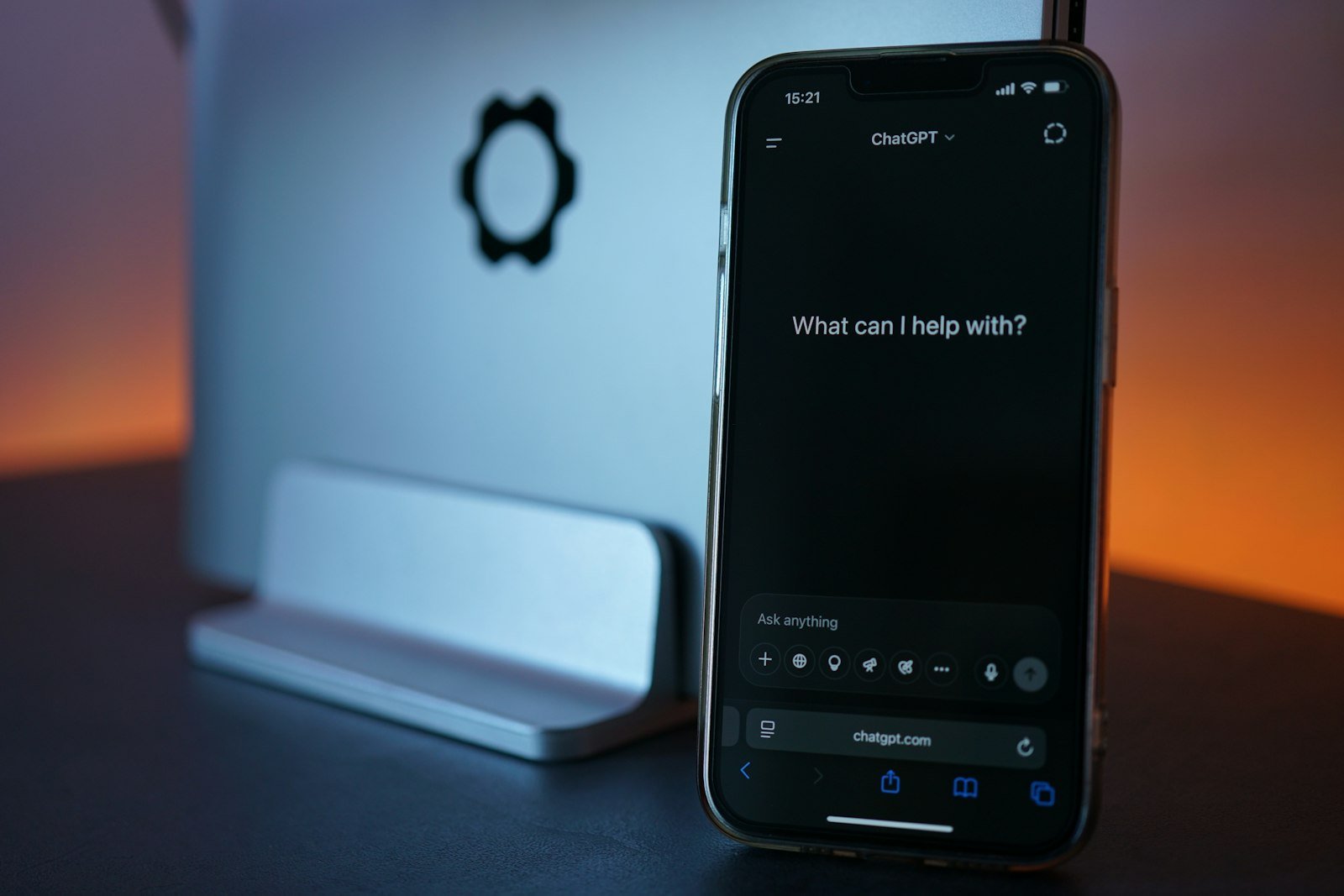
Five AI tools cover most of what a small business needs in 2026: Claude for thinking, writing and finished work, ChatGPT as a general assistant, Muse for running a business on Meta’s platforms, Higgsfield for image and video creative, and Gemini inside Google Workspace. The bigger change is the Model Context Protocol (MCP), an open standard that lets these assistants connect to your actual tools and data, so they can do work and not only talk about it.
- Pick tools by job, not by hype. One assistant for thinking and writing, one for creative, and the one built into the software you already use.
- MCP is an open standard for connecting AI applications to external systems such as files, CRMs and calendars.
- AI drafts and executes faster than a person. It still needs your facts, your examples and your review.
- Start with one workflow you repeat every week, and measure the hours it saves.
Key terms explained (8)
- SEO
- Search engine optimisation: the work that helps your pages show up in Google’s regular search results.
- CRM
- Customer relationship management software: one place that stores your contacts, conversations, appointments and deals. GoHighLevel and HubSpot are examples.
- MCP
- Model Context Protocol: an open standard that lets AI assistants connect safely to your other tools, such as your CRM, files or calendar.
- API
- Application programming interface: the way two pieces of software send information to each other.
- Workflow and trigger
- In a CRM, a workflow is an automated series of steps; the trigger is the event that starts it, such as a missed call or a form submission.
- Reels and Shorts
- Short vertical videos on Instagram and Facebook (Reels) and YouTube (Shorts).
- AI agent
- An AI tool that can carry out tasks for you, such as replying to messages or updating records, not just answer questions.
- Integration
- A ready-made connection between two tools, so information moves between them automatically, for example from your website form into your CRM.
Why does AI matter for a small business now?
For the first two years of the AI boom, most business use was a chat window: ask a question, copy the answer, paste it somewhere else. That is changing. Assistants can now read your files, connect to your CRM (customer relationship management software) and calendar, build documents and pages, and carry out multi-step tasks. A business that learns to hand off its repeatable work gets hours back every week. A business that doesn’t will be competing against ones that did.
You don’t need ten tools. You need a few that are good at different jobs, and you need them connected to where your work lives.
What is MCP, in plain language?
MCP (Model Context Protocol) is an open standard for connecting AI applications to external systems. Anthropic introduced it in November 2024, and it is now supported by Claude, ChatGPT and many other tools. The official documentation compares it to a USB-C port: one standard plug, so any assistant can connect to any tool that supports it.
In practice, an MCP connection (often called a connector) lets an assistant do things like:
- Read last month’s leads from your CRM and summarise which sources booked jobs.
- Check your calendar and draft replies to the emails that need an answer.
- Pull numbers from a spreadsheet and build the monthly report.
- Generate ad creative in a design tool and save it to the right folder.
Without a connection, you copy and paste. With one, you describe the outcome and review the result. That is why MCP support is now one of the first things to check when you choose an AI tool.

The five tools at a glance
| Tool | Best for | Use it when |
|---|---|---|
| Claude | Reasoning, writing, analysis and finished documents | You need careful thinking, long documents or work done across your connected tools |
| ChatGPT | A general-purpose assistant with a large ecosystem | You want one familiar tool for everyday questions, images and quick tasks |
| Muse | A business agent tied to Meta’s platforms | Your customers come from Facebook, Instagram and Meta ads |
| Higgsfield | AI image and video creative | You need ad visuals and short-form video without a production crew |
| Gemini | AI inside Google Workspace | Your business runs on Gmail, Docs, Sheets and Drive |
1. Claude: thinking, writing and finished work
Claude, made by Anthropic, is the assistant I reach for when the work needs care: strategy documents, long articles, analysis of messy data, and code. According to Anthropic’s product overview, it can turn ideas into documents, spreadsheets, slides and prototypes, keep context and files organised in projects, search the web, and connect to tools such as Gmail, Google Drive and Slack through connectors, including custom MCP connections.
Use it for: marketing plans, SEO (search engine optimisation) content briefs and drafts, monthly report summaries, landing page copy, analysing exports from your CRM or ad account, and building small tools or web pages.
How to start: create a project for your business, add your brand voice notes, service list and a few past pieces you like, then ask for one deliverable you already produce by hand.
2. ChatGPT: the general-purpose assistant
ChatGPT, made by OpenAI, is the most widely recognised assistant, and many teams already have it open all day. It handles everyday questions, drafting, image generation and quick research, and it also supports MCP connections to outside tools.
Use it for: brainstorming, first drafts of social posts and emails, quick explanations, and tasks where your team is already comfortable with it.
How to start: pick one recurring task, such as turning call notes into a follow-up email, and write a short reusable prompt for it.
3. Muse: an AI agent for small businesses on Meta
Muse is Meta’s AI agent, and Muse for Small Business launched on September 29, 2026 in the United States and Canada. Meta describes it as an agent that works in the background on business tasks: analysing sales, campaign and social data to suggest a growth plan, improving ads and content based on performance, flagging unusual expenses, and drafting replies to emails that need one.
It connects to Facebook Pages, Instagram professional accounts and Meta ad accounts, and Meta lists integrations with tools including Shopify, Stripe, QuickBooks, Klaviyo, Canva, Slack and HighLevel. There is a free tier, with paid plans for more features.
Use it for: businesses whose leads come from Facebook and Instagram, and anyone running Meta ads who wants performance analysis and drafts in one place.
A caution: it is new. Test it on low-risk tasks first and review what it produces before anything is published or sent.
4. Higgsfield: image and video creative
Higgsfield is an AI creative platform for generating and editing images, video and audio. Its site lists tools built for marketing work, including an Ads Studio and a Marketing Studio, along with video editing, upscaling and effects. It also offers API (application programming interface) and MCP access, so creative can be generated from inside an assistant.
Use it for: ad concepts and variations, product visuals, short-form video for Reels and TikTok, and testing several creative directions before you spend on a shoot.
A caution: use real photos for anything that shows your actual work, team or results. AI visuals are best for concepts, backgrounds and motion, not for proof.

5. Gemini: AI inside Google Workspace
Gemini is Google’s assistant. Its main advantage for a small business is location: it works inside Gmail, Docs, Sheets and Drive, where much of the day already happens.
Use it for: summarising long email threads, drafting replies, cleaning up spreadsheets, and finding information across your Drive.
How to start: if you pay for Google Workspace, check which Gemini features your plan includes before buying anything else.
How do I choose?
- Start with the software you already pay for. If you run on Google Workspace, try Gemini. If your customers come from Meta, try Muse.
- Add one assistant for deep work. Use it for strategy, long writing and analysis, and connect it to your files and CRM.
- Add one creative tool if you publish ads or video every week.
- Check for MCP or connector support so the tools can reach your data without copy and paste.
Which AI tool fits the job?
Pick the job you need done.
Start with the software you already pay for, then add one assistant for deep work and one creative tool.
How do I use AI safely in a business?
- Protect customer data. Read each tool's privacy and data settings before you paste or connect anything personal.
- Connect with the least access needed. Give an assistant read access first. Add the ability to send, post or edit only where you need it. The MCP project publishes security guidance for connections.
- Review before it goes out. A person should approve anything sent to a customer or published under your name.
- Verify facts. AI can state wrong information confidently. Check numbers, prices, legal claims and links against the source.
- Keep your voice. Give the assistant your own notes and examples, and edit the result so it sounds like you.
A simple plan for this week
- Write down five tasks you repeat every week.
- Pick the one with the clearest steps, such as a weekly report or lead follow-up emails.
- Do it once with an assistant, giving it real examples of what good looks like.
- Save the instructions that worked as a reusable prompt or project.
- Time it. If it saves an hour, move to the next task.
Tools for the job
| Tool | Use it for | Cost |
|---|---|---|
| Claude | Strategy, long-form writing, analysis, documents, connected work | Free plan |
| ChatGPT | Everyday drafting, brainstorming, images | Free plan |
| Muse for Small Business | Business agent for Meta pages, ads and connected tools | Free tier |
| Higgsfield | AI image, video and ad creative | See site |
| Gemini | AI inside Gmail, Docs, Sheets and Drive | Free plan |
Plans and pricing change. Check each tool's site for current details.
Frequently asked questions
What does MCP stand for?
Model Context Protocol. It is an open standard, introduced by Anthropic in 2024, for connecting AI applications to external tools and data.
Do I need to be technical to use MCP?
No. In most assistants you add a connector from a list and sign in to the tool. Custom connections need a developer, but the common business tools are usually available ready-made.
Which AI tool should I start with?
Start with the one built into software you already use, then add one assistant for deeper work. One tool used every day beats five you rarely open.
Will AI replace my marketing team?
It changes the work more than it replaces it. AI handles drafts, analysis and repetitive steps quickly. Strategy, judgement, relationships and real proof still come from people.
Related playbooks
Browse every playbook on AI for marketing, or see all marketing playbooks.
Sources
- What is the Model Context Protocol (MCP)?modelcontextprotocol.io
- Introducing the Model Context ProtocolAnthropic
- Claude product overviewAnthropic
- The Future Is for Everyone: Muse for Small BusinessMeta Newsroom
- HiggsfieldHiggsfield
- Meta launches Muse for Small BusinessCNBC
Remar Catapang is a full-funnel marketing strategist based in Ontario, Canada. He has worked in marketing since 2020 and continues to lead search, CRM automation, web, paid media and experiential campaigns for businesses in Canada, the United States, Australia, Egypt and the Philippines. His playbooks are based on that ongoing work. Questions about this playbook: remarcatapangjr@gmail.com